A009 · PK/CYBER/Incident-Management/Green-Dashboards/Sab-Green-Hai
Sab Green Hai, Customer Phir Bhi Pareshan Hai
Every dashboard is green: server, network, firewall, load balancer. Sab green hai, lekin customer login nahi kar pa raha.

· 8 min read · Originally published on LinkedIn ↗

This is a fictional illustrative office story. The technical possibilities are hypotheses, not a diagnosis of a real incident.
In 60 seconds (yeh article kya cover karta hai)
- Imagine a Pakistani office where the website works perfectly. Except when customers use it. "Sir, kabhi chalti hai, kabhi nahi."
- Every dashboard is green: server, network, firewall, load balancer. Sab green hai, lekin customer login nahi kar pa raha.
- Then the chairs start moving. Application, network, security, vendor — everybody is passing something. Nobody is carrying the request to the finish line.
- A screenshot is not a log. One successful test is not proof. A 4xx is not automatically the customer's fault.
- The vendor is asked for a root-cause analysis, but not given the evidence.
- Six habits can close this kind of incident this quarter: Capture, Map, Ask, Reproduce, Re-test, Assign.
Imagine a Pakistani office where the website works perfectly.
Except when customers use it.
"Sir, kabhi chalti hai, kabhi nahi."
The incident call begins. IT joins. Network joins. Security joins. Development joins. The vendor joins.
Customer support joins with the only dashboard nobody wants to open: actual complaints.
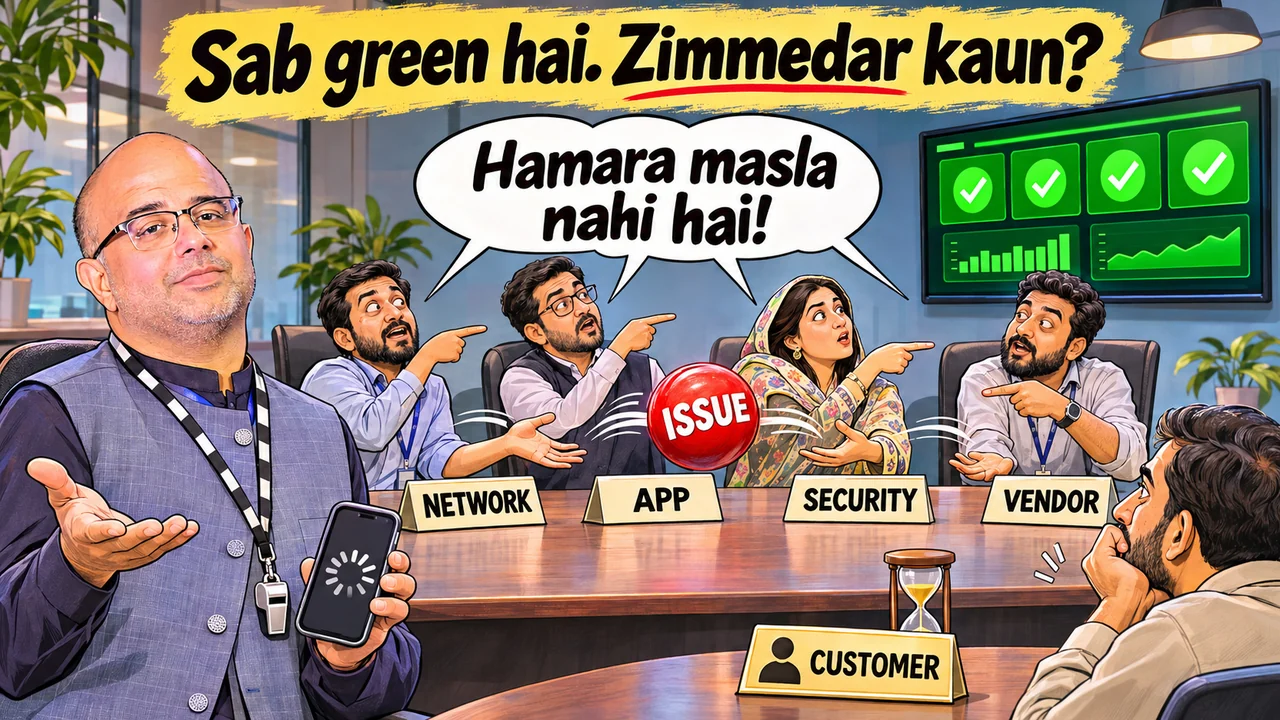
"Server?" "Green." "Network?" "Green." "Firewall?" "Green." "Load balancer?" "Green."
At this point, the screen looks like a beautiful lawn. Unfortunately, the customer is still standing outside the gate.
Sab green hai, lekin customer login nahi kar pa raha.
Sab green hai, lekin form submit nahi ho raha.
Sab green hai, lekin refresh karne par kabhi order aata hai, kabhi error.
Management asks the obvious question:
"Toh phir masla kahan hai?"
Excellent. We have now reached the blame-allocation stage of technical troubleshooting.
Vulnerability Musical Chairs, with a new dashboard
If the earlier Vulnerability Musical Chairs story sounded familiar, imagine the same meeting with a different subject line.
"Application ka issue hai."
"Network ka lag raha hai."
"Security ne kuch kiya hoga."
"Vendor ko check karna chahiye."
The customer came to complete a transaction. Instead, the company has arranged a departmental relay race. Everybody is passing something. Nobody is carrying the request to the finish line.
Then comes a dramatic announcement:
"Sir, log phat gaya."
"Kahan phata? Dikhao."
"Actually screenshot hai."
Screenshot mein error hai. Log kahan hai?
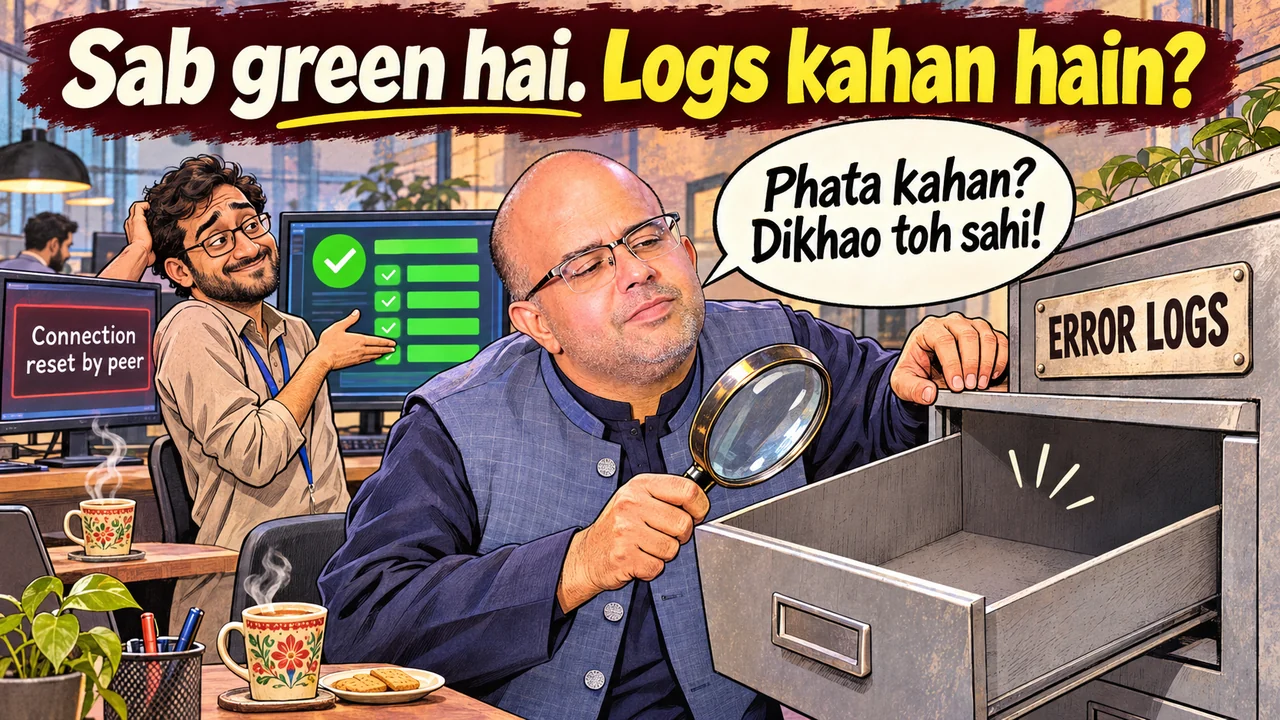
An error screenshot is useful evidence of what the customer saw. It is not automatically evidence of which device, service or application caused it.
And if a log file really is corrupt, incomplete or unavailable, that is a visibility problem to record and investigate. It is not a diagnosis of the customer's failure.
Sab green hai, lekin sab ko sirf apna hissa nazar aa raha hai.
Kabhi chalti hai is an important clue
Intermittent problems are particularly generous. They give every team at least one successful test to defend itself with.
"Main ne kholi thi. Chal rahi thi."
Of course. The complaint was not that it had resigned permanently. It was "kabhi chalti hai, kabhi nahi."
The successful request and the failed request may have taken different paths.

Perhaps the load balancer sent one request to a healthy backend and another to a backend with a different configuration. Perhaps a session behaves differently when it lands on another node. Perhaps a firewall policy or connection-handling condition affects only certain connections.
A firewall being online does not prove that every connection passes. Depending on the device and configuration, a connection might be rejected, dropped or reset. But "connection reset" on the customer's screen does not, by itself, prove the firewall did it. An application, server or another intermediary may also be involved.
Perhaps a timeout, packet loss or brief congestion affects a particular path. Perhaps the application fails only for one request type or user condition.
These are competing hypotheses. We do not get to promote our favourite one to root cause because it belongs to somebody else's department.
Even "bandwidth toh available hai" needs context. A quiet average graph can miss short bursts, a congested interface or problems elsewhere on the path.
More bandwidth is not a universal treatment. Pehle diagnosis, phir prescription.
4xx aaya hai. Customer ko blame kar dein?
Someone shares a 403.
"Client error hai. Customer side ka issue."
A category name has now become an HR policy.
A 4xx response describes an HTTP outcome. It does not automatically identify the person or team at fault.
A 403 might come from an application's access rules or a security layer refusing the request. Other 4xx responses can involve authentication, routing, request limits or request content. First establish which component generated the response and why.
A TCP reset is a different kind of event from an HTTP 4xx response. Mixing them into one bucket called "website error" makes the investigation harder.
For IIS, the status, substatus and Windows status fields can help distinguish failures, when the relevant logging is configured. Some requests rejected before reaching the IIS site may need investigation in HTTP.sys error logs rather than that site's access log.
"Access log mein nahi hai" is a clue. It is not proof that the customer imagined the problem.
The request may not have reached that layer. Or we may be looking at the wrong node, site, time window or logging configuration.
Vendor ko bolo, lekin vendor ko dikhana mat
Now the vendor is asked for an immediate root-cause analysis.
"Firewall events mil sakte hain?"
"Security team ke paas hain."
"Load-balancer logs?"
"Network team."
"IIS access aur error details?"
"Application team dekhe gi."
"Failed request ka exact time?"
"Customer ne afternoon bola tha."
Afternoon is a useful lunch plan. It is a difficult correlation identifier.
A vendor with visibility only into its own service cannot honestly certify what happened inside every hidden component.
That does not mean everyone should receive administrator access. Use authorised read-only access, a supervised screen-share or a relevant, sanitised evidence extract. Give the investigation enough visibility without giving away unnecessary control.
If access is unavailable, write that limitation down. "Not visible to us" is more useful than a confident guess dressed as a finding.
One failed request. Follow it properly.
Six habits, from the same investigation steps: Capture, Map, Ask, Reproduce, Re-test, Assign.
1. Capture
Start with a specific failed attempt and, if possible, a comparable successful one.
Record the timestamp and timezone, the action, the relevant URL or endpoint, the observed error and any available request identifier. Keep customer secrets, tokens and unnecessary personal information out of shared evidence.
2. Map
Map the actual path: customer network, relevant proxy or security layer, firewall, load balancer, web server, application and dependencies. Not every system has every component, or in that exact order.
3. Ask
Then ask the owner of each layer: did this request reach you, what did you do with it, and what evidence supports the answer?
Use aligned timestamps and correlation IDs where available. State where matching is uncertain. Check all relevant backends rather than only the server somebody usually opens.
4. Reproduce
If a controlled reproduction is needed, agree on a safe test and preserve evidence before making changes. Do not casually disable the firewall, WAF or logging to make the meeting quieter.
5. Re-test
After a fix, test the previously failing condition and the complete customer journey. Check a representative set of paths and sessions. One successful refresh is encouraging, not a closure certificate.
6. Assign
Finally, give one person responsibility for coordinating the investigation. The specialist teams still own their systems. The customer should not have to coordinate them.
Sab green hai, lekin investigation abhi complete nahi.
The dashboard can stay green. The incident stays open until we have evidence that the affected customer task works again.

Customer ko hamari green lights ka screenshot nahi chahiye.
Us ka kaam hona chahiye.
Let's discuss
I don't pretend every organisation looks like that meeting room. Some teams really do follow the failed request all the way to the customer task. But if this sounds even a little familiar, I would like to hear it.
So, sawal aap se. Reply in the comments, sach sach:
- In your last incident call, kitne dashboards green the — aur customer ka kaam hua ya nahi?
- When someone says "Main ne kholi thi. Chal rahi thi," do you close the ticket, or do you follow the failed request?
- Has your team ever treated a 4xx as "customer side ka issue," and later found the block was on your own side?
- "Sir, log phat gaya" — phir actual log dikhaya, ya sirf screenshot?
- When the vendor asks for firewall, load-balancer or IIS evidence, do they get it, or "Security team ke paas hain"?
- Honestly: in your office, who owns the customer journey — one named person, ya sab ke dashboards green aur zimmedar koi nahi?
Let's discuss.
Why I write like this
I am trying to help people understand the reality behind technical jargon in an easy way, so that everyone, not just the IT or security team, can understand what actually happens. Green dashboards, 4xx, HTTP.sys, load balancers, WAF: these are not magic words. They are decisions people make, or don't make, every day. The customer does not need our green lights. Us ka kaam hona chahiye.
Sources
- Microsoft, Troubleshoot 4xx and 5xx HTTP Errors in IIS. https://learn.microsoft.com/en-us/troubleshoot/developer/webapps/iis/site-behavior-performance/troubleshoot-http-error-code. Checked 14 November 2026.
- Microsoft, Configure Logging in IIS. https://learn.microsoft.com/en-us/iis/manage/provisioning-and-managing-iis/configure-logging-in-iis. Checked 14 November 2026. This page also documents the IIS W3C fields for protocol status, protocol sub-status and Win32 / Windows status.
- Cloudflare, Error 403. https://developers.cloudflare.com/support/troubleshooting/http-status-codes/4xx-client-error/error-403/. Checked 14 November 2026.
Deployment-specific behaviour and available logs require verification in the actual environment. The practical investigation approach is an author recommendation.
About the author
I am the Founder & CEO of Server4Sale. My time as Co-Chair of Industry Engagement at P@SHA gave me a view of both the vendor side and the practitioner side. My work as Chair Cyber at FPCCI gave me insight into the concerns of CISOs, security experts and government policymakers. I don't pretend there is one answer for every organisation. I do believe we can close this gap with habits we can start this quarter, not with a project we will start next year. At Server4Sale, we are a managed service provider for website security, working with Cloudflare and many other providers, so we see this game from the vendor's chair almost every week.
This article was written with the help of AI tools for research and drafting. Every word has been reviewed, edited and approved by me. Mohammad Munaf Majeed
#IncidentManagement #CyberSecurity #DigitalPakistan #InfoSec #CustomerExperience #AreWeSecure
Quick answers
Frequently asked questions
Why can customers face errors when every dashboard is green?
Each dashboard shows only its own part. The successful request and the failed request may have taken different paths: another backend with a different configuration, a session landing on another node, a firewall policy that affects only certain connections, or a brief congestion on one path. Every light can stay green while the customer's task fails.
Does a 4xx error mean the problem is on the customer's side?
No. A 4xx response describes an HTTP outcome; it does not automatically identify the person or team at fault. A 403 might come from an application's access rules or a security layer refusing the request. First establish which component generated the response and why.
Is an error screenshot enough evidence?
It is useful evidence of what the customer saw, but not of which device, service or application caused it. Capture a specific failed attempt: the timestamp and timezone, the action, the URL or endpoint, the observed error and any request identifier, while keeping secrets and unnecessary personal information out.
How can a vendor investigate without getting administrator access?
Use authorised read-only access, a supervised screen-share or a relevant, sanitised evidence extract. If access is unavailable, write that limitation down: "Not visible to us" is more useful than a confident guess.
What are the six habits for closing an intermittent incident?
Capture a failed attempt (and a successful one), Map the actual request path, Ask the owner of each layer what happened to that request, Reproduce only with a safe agreed test, Re-test the complete customer journey after a fix, and Assign one person to coordinate the investigation.